전체 글 85

Unreal Engine PCG Detail (7) - Custom PCG Node

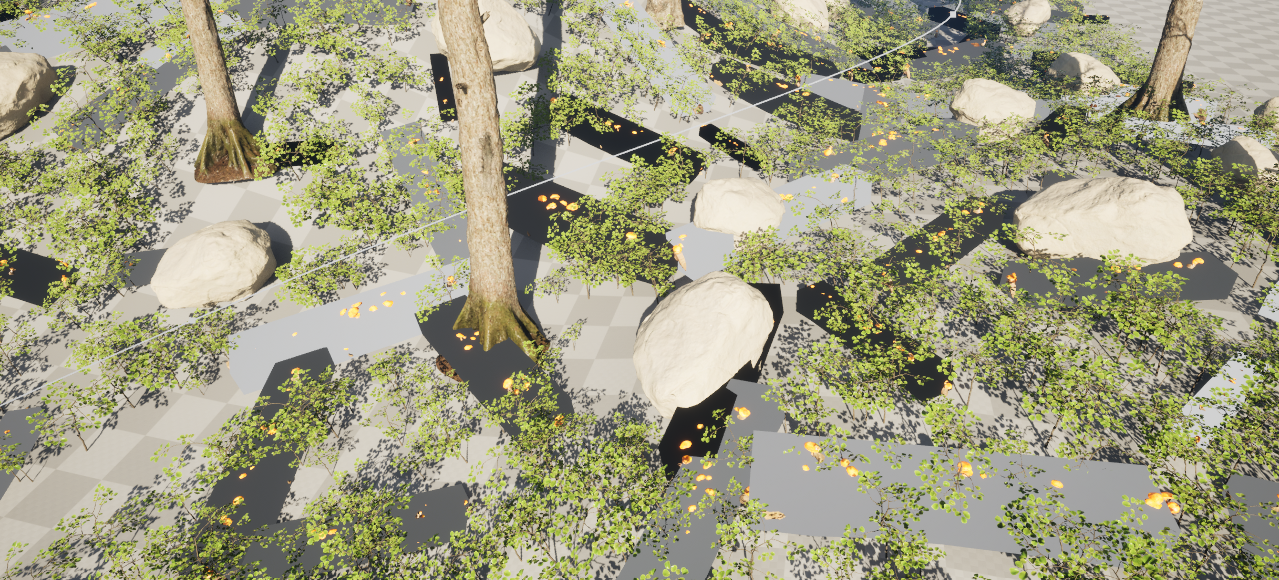
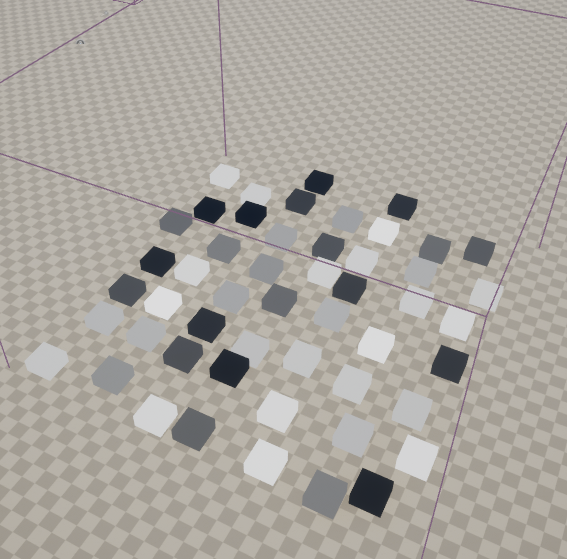
Create new PCG 레벨에 배치 생성된 포인트들 중 하나의 포인트 선택하기 Select Points : 원하는 비율의 포인트를 선택 (하나의 포인트만 선택할 수 없다) 새 폴더 "CustomNode" 생성 PCGBlueprintElement 기반 Blueprint 생성 Class Defaults - Details - Asset Info - ✓ Expose to LibraryCategory : Custom PCG Node 제작한 blueprint 노드 생성 직접 Pin을 제작하기 위해 Default in / out pin을 해제 Input, Output Pins Element 생성Input - In (Point)Output - SelectedPoints (Point), DiscardPo..
Unreal Engine World Distortion Material

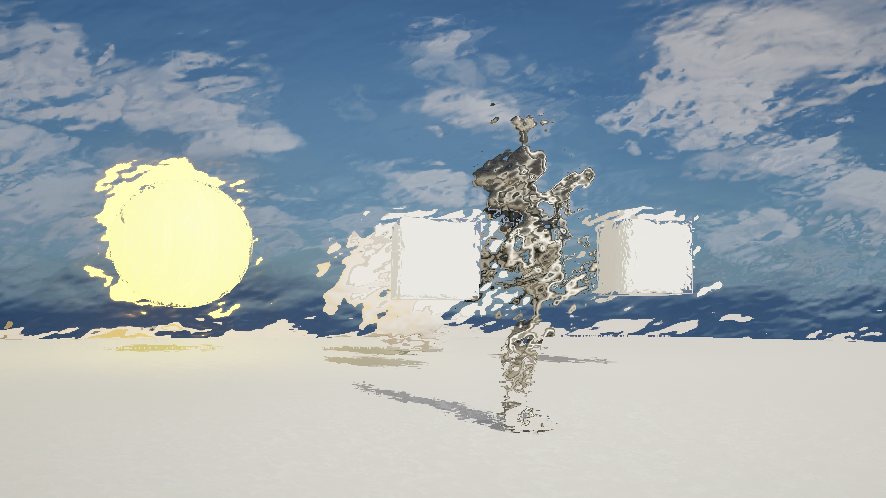
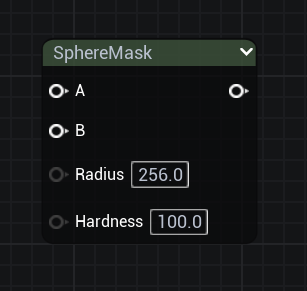
World Distortion Modeling ModePlane 생성, Subdivision 최대Pivot을 Plane 끝으로 이동SphereMask World Postion에서 Actor Postion 쪽으로 좌표가 설정된다. Pivot 위치에 생성된다Time과 Sine을 통해 신호 추가 Material Instance에서 값 조절Hardness : 0.1Radius : 1200 파동이 생성된다 Height : 50 Saturate, Material을 통해 색상 진하기 변경 캐릭터에 적용하기 Material Parameter Collection 제작 Vector Parameter 추가Material로 DragParameter 선택 Actor Position에서 변경BP_ThirdPersonCha..

Unreal Engine Scanline Material

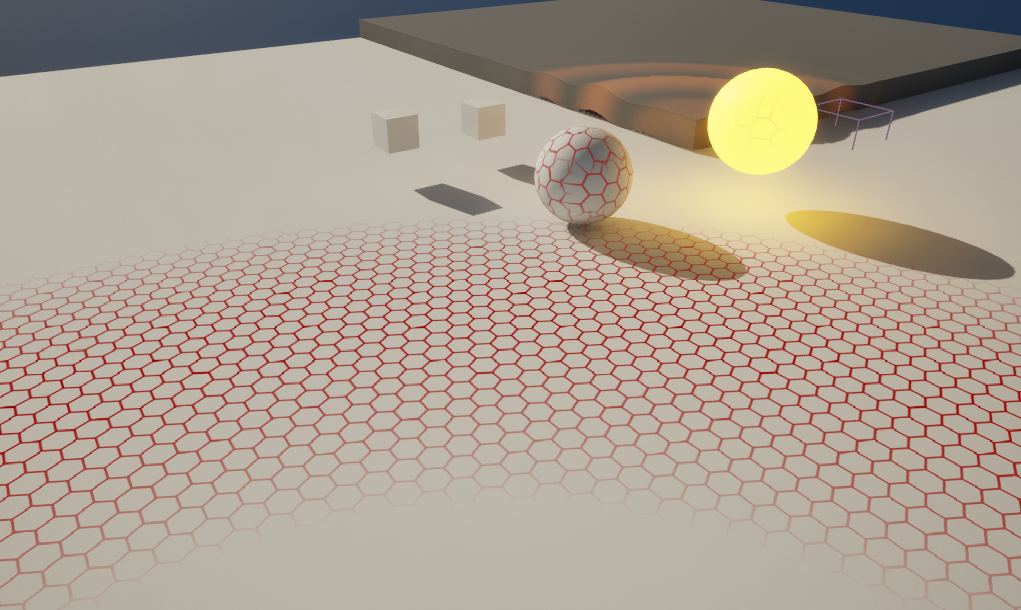
Scanline (Post Process) 무늬를 사용하기 위한 노드Texture Object : T_Tec_Hex_Tile_M Multiply로 곱해서 적용 MI에서 값 조절감지 가능한 머티리얼 만들기 (Stencil) Project Settings - Post Process - Custom Depth - Stencil Depth : Enable with Stencil 적용할 Mesh에서 CustomDepth Stencil Value 값을 입력 : Value 값마다 다른 색상을 줄 수 있다.M_Scanline CustomDepth 활성화Stencil의 값은 하나의 값만 사용하기 때문에 Mask도 1개만 사용Divide(255)는 Stencil 값이 255로 나타나기 때문에 0과 1사이 범위가 되어 U..

Unreal Engine Post Process Production (2)

Pixel Material (Post Process) SceneTexture : UV맵을 PostProcess로 적용하는 노드 ScreenResolution : 화면 비율 Floor : 내림Material Domain : Post PorcessSceneTexture : PostProcess0 Paintery Material (Post Process) Texture sample의 UV만 사용하기 위해 Mask R, G 두 개만 사용Texture Sample : T_Detail_Rocky_N 강도 조절을 위해 Multiply, 변수 추가 WorldAlignedTexture : 월드 좌표 기준으로 텍스쳐 맵핑. 객체들이 각각 가지고 있는 UV맵핑과 무관하게 동작되기 때문에 타일링 등이 자연스럽게 적..

Unreal Engine PCG Detail (6) - Closed Spline

Close Spline블루프린트를 레벨에 배치 Details - Spline - ✓ Closed Loop를 통해 닫힌 Spline을 제작할 수 있다 Closed Spline Blueprint PathSpine 블루프린트 클래스를 복제하여 CloseSpine을 제작 Tags : CloseSpline Viewport에서 Spline의 끝점 하나를 삭제 우클릭 - Spline Generation Panel Spline Generation을 통해 형태 적용 Details - Spline - ✓ Closed Loop 기존의 점이 있기 때문에 점이 총 5개 (설정값은 4개) -> 기존의 점 삭제 (점을 옆으로 이동시켜 확인) Landscape 기반 PCG 영역 안에 배치 Get Spline ..

Unreal Engine PCG Detail (5) - Mesh Sampler, Subgraph

Mesh Sampler사용할 Asset들의 Nanite를 활성화한다Mesh 위에 올릴 Asset들을 선택하여 Asset Actions - Edit Selection in Property Matrix Nanite 활성화 확인 PCG 새로 생성, 스케일 조절 Static Mesh의 위치값을 가져오기 위해 Get Actor Data 노드 생성 Actor의 정보를 알기 위해 Actor Filter을 Self로, Data Retrieval Settings - Mode를 Get Single Point로 설정 Get Actor Data Debug 모드 전환 Static Mesh Spawner 생성 Static Mesh 추가 후, Get Actor Data Debug 끄기 Bounds Modifier ..

Unreal Engine PCG Detail (4) - Spline

PCG에서 Spline으로 공간 제거Actor 기반 Blueprint 생성 Spline Component 추가 PCG 노드로 가져오기 위해 블루프린트의 Detail - Actor - Tags에서 Element를 추가(Element의 이름은 blueprint의 이름과 동일하게 사용한다) Compile 후, Blueprint를 Level에 배치한다양끝 점을 이동시켜 Spline 길이를 조절할 수 있다 조작하기 쉽도록 Spline을 약간 높여 배치한다 Spline을 PCG를 가로지르도록 배치한다 효율적인 Spline 작업을 위해 Static Mesh를 일시적으로 비활성화 시킨다 Get Spline Data: Spline 정보를 가져온다. Actor Filter : All World Actors..

Unreal Engine PCG Detail (3) - Parameter (2), Graph Instance

Surface Sampler - Settings의 Points Per Squared Meter, Looseness 변수로 만들기 Graph Settings - Instance - Parameters에서 각각 변수 생성( Points Per Squared Meter -> Amount, Looseness, 값은 기존의 Surface Sampler 값 사용 ) Parameter 정렬 Surface Sampler을 펼쳐 해당 위치에 Get Parameter 노드 연결 에디터에서 PCG 선택, Detail - PCGComponent - Parameter Override에 Amount와 Looseness가 추가됨 Graph Instance (PCGI)PCG - Details - PC..

Unreal Engine PCG Detail (2) - Foliage, Parameter (1)

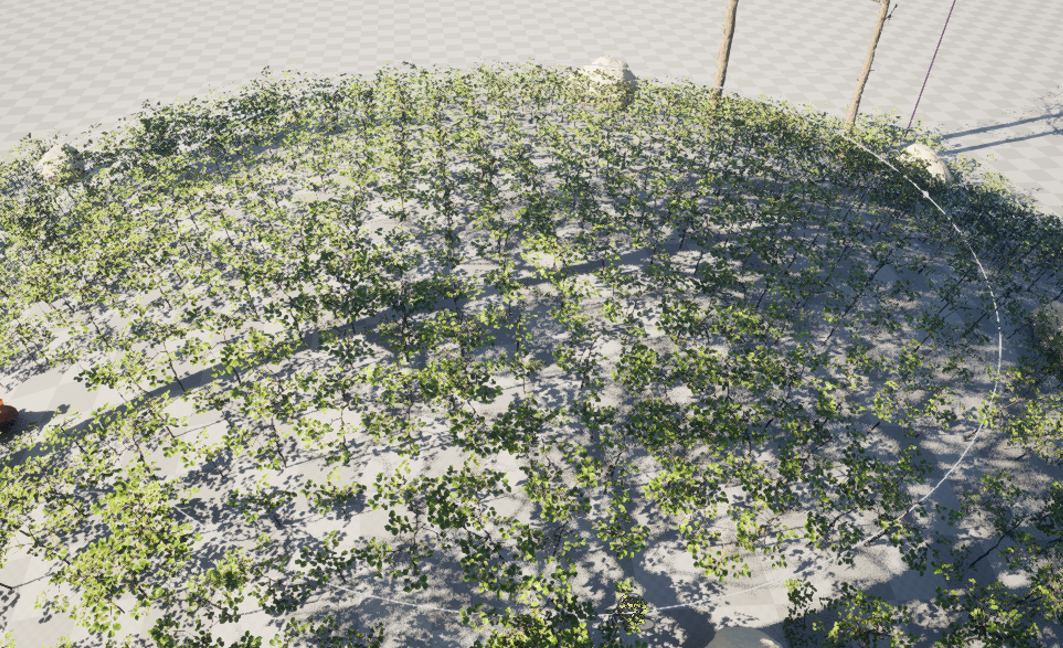
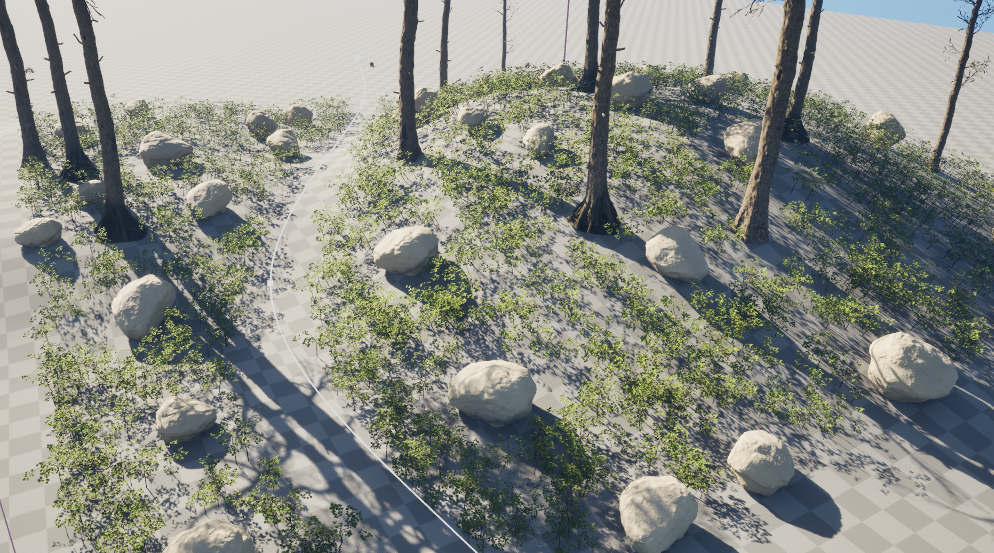
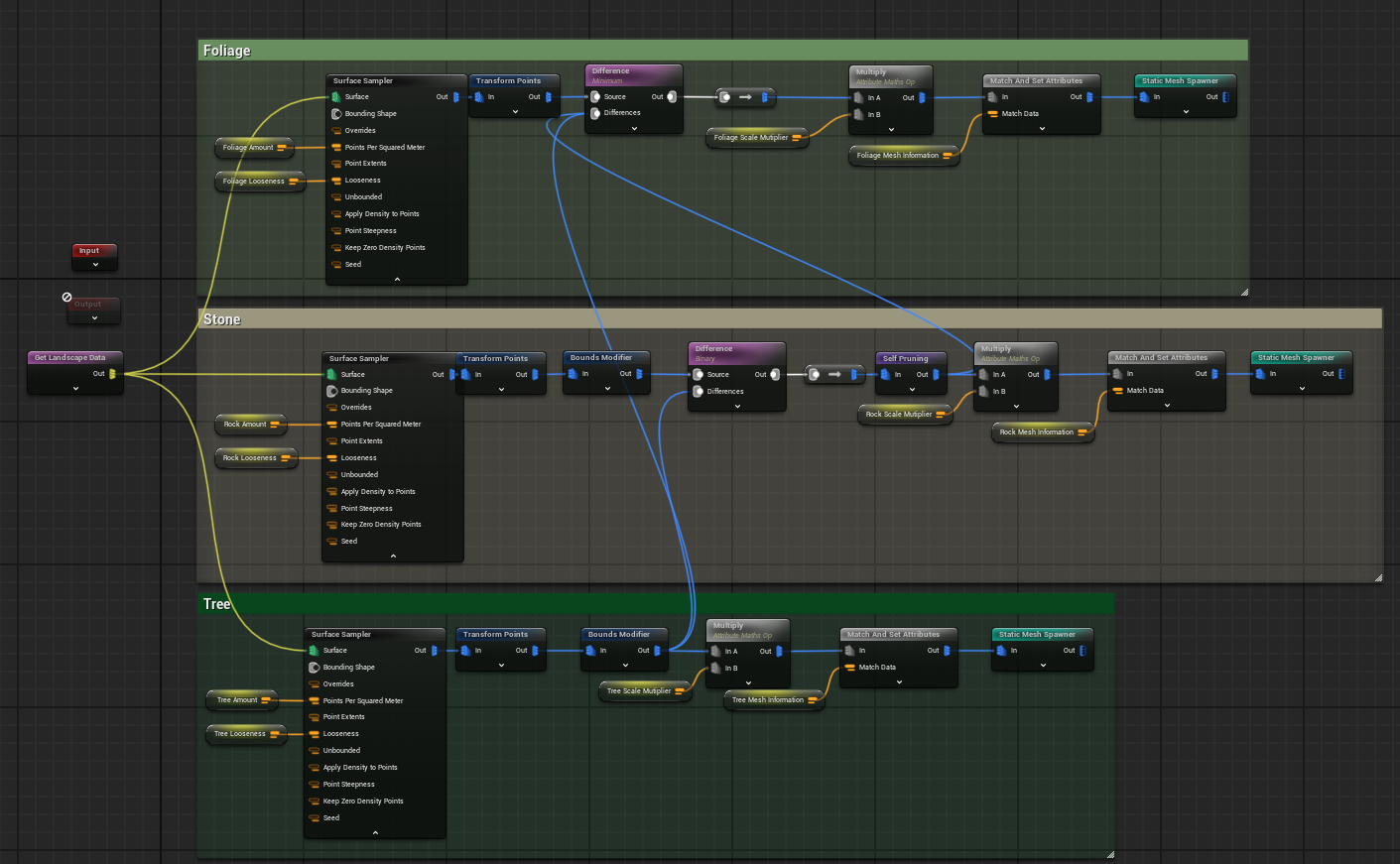
PCG Foliage Surface Sampler 생성 Surface Sampler Settings - Foliage의 크기에 맞춰 Point Extents를 조절 Static Mesh Spawner에 Foliage로 사용할 Static Mesh 적용 Mesh Selector - Mesh Entries - Descriptor - Collision Presets - NoCollision 으로 설정(기본적으로 Foliage에 충돌이 들어가지 않기 때문) Transform Points를 추가하여 변형, Surface Sampler을 통해 배치 양 조절 Difference를 사용하여 이전 PCG에 사용한 Static Mesh와 같이 배치 Scale Multiplier (Foliage S..

Unreal Engine PCG Detail (1) - PCG Node

PluginsCreate PCGPCG 노드는 좌측 창이나 Tab을 통해 가져올 수 있다 PCG 배치 시, Landscape에 닿게 배치해야만 사용가능 Node Shortcut (노드 선택 상태 단축키)[D] - Debug[A] - Inspect[E] - Enable / Disable[Q] - Straighten Connection(s)레벨에 배치된 PCG 선택 - ctrl + [E] - PCG Editor 창 단축키 Get Landscape Data : 랜드스케이프의 정보를 가져온다 Surface Sampler : 임의로 위치를 생성해준다. Debug 상태에서만 확인 가능. Inspect를 켜서 만든 각 포인트들의 모든 정보(Postion, Location, Scale 등)를 A..