Pixel Material (Post Process)
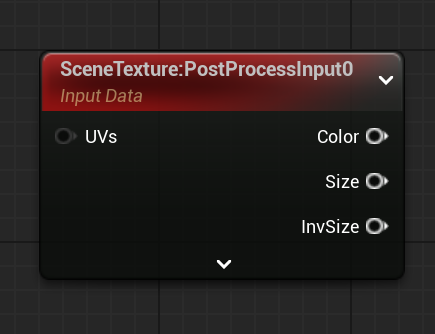
SceneTexture
: UV맵을 PostProcess로 적용하는 노드
ScreenResolution
: 화면 비율

Floor
: 내림

Material Domain : Post Porcess
SceneTexture : PostProcess0


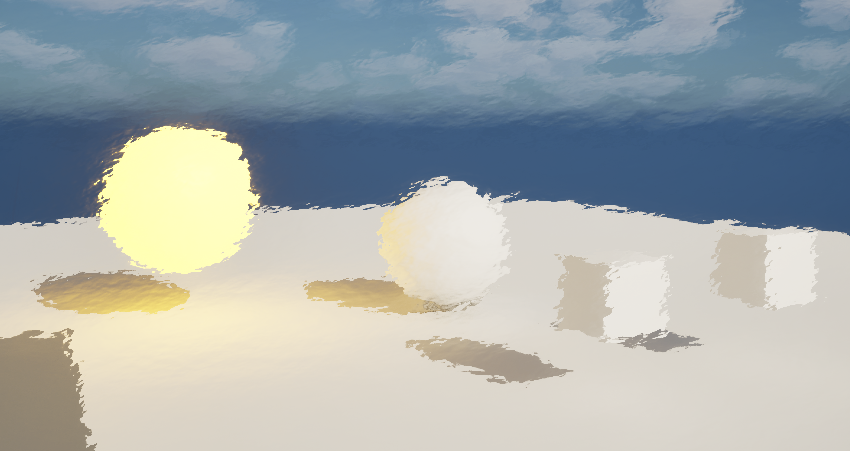
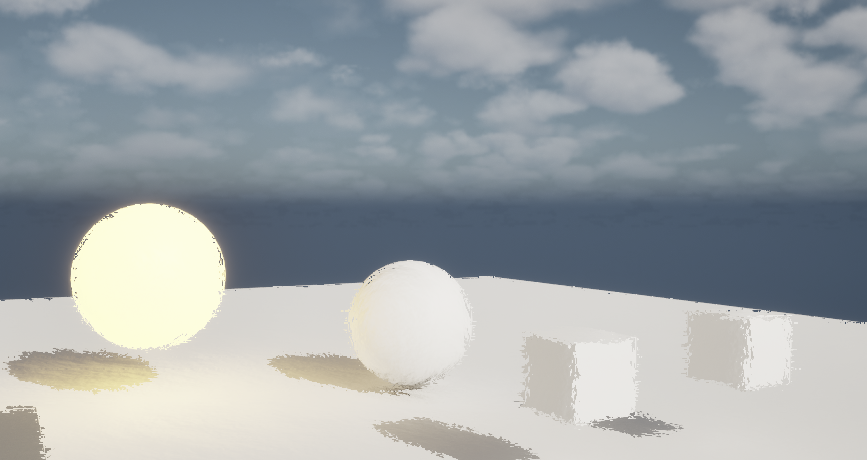
Paintery Material (Post Process)
Texture sample의 UV만 사용하기 위해 Mask R, G 두 개만 사용
Texture Sample : T_Detail_Rocky_N


강도 조절을 위해 Multiply, 변수 추가

WorldAlignedTexture
: 월드 좌표 기준으로 텍스쳐 맵핑. 객체들이 각각 가지고 있는 UV맵핑과 무관하게 동작되기 때문에 타일링 등이 자연스럽게 적용된다. 메시가 있는 곳만 적용.

Texture Sample -> Texture Object


노드 복제
Texture Object : T_Perlin_Noise_M
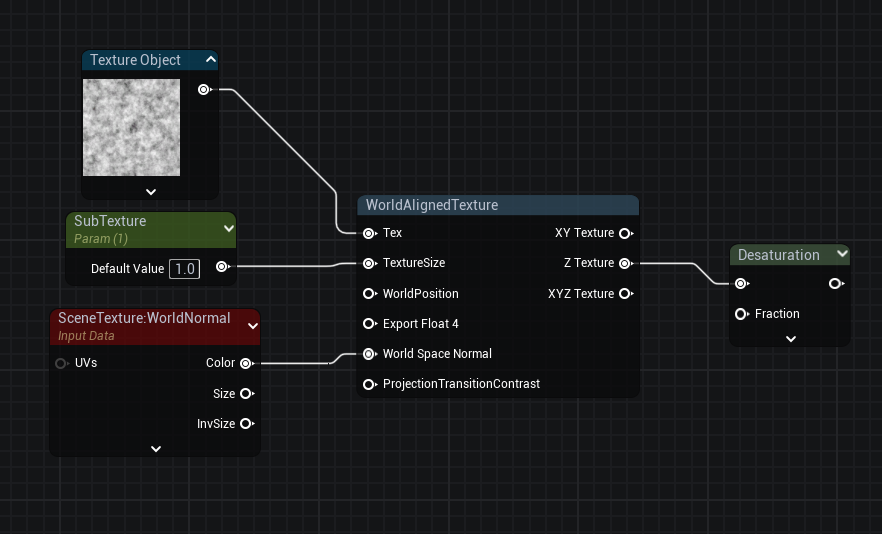
Desaturation
: 채도를 조절하여 어둡게 만드는 노드

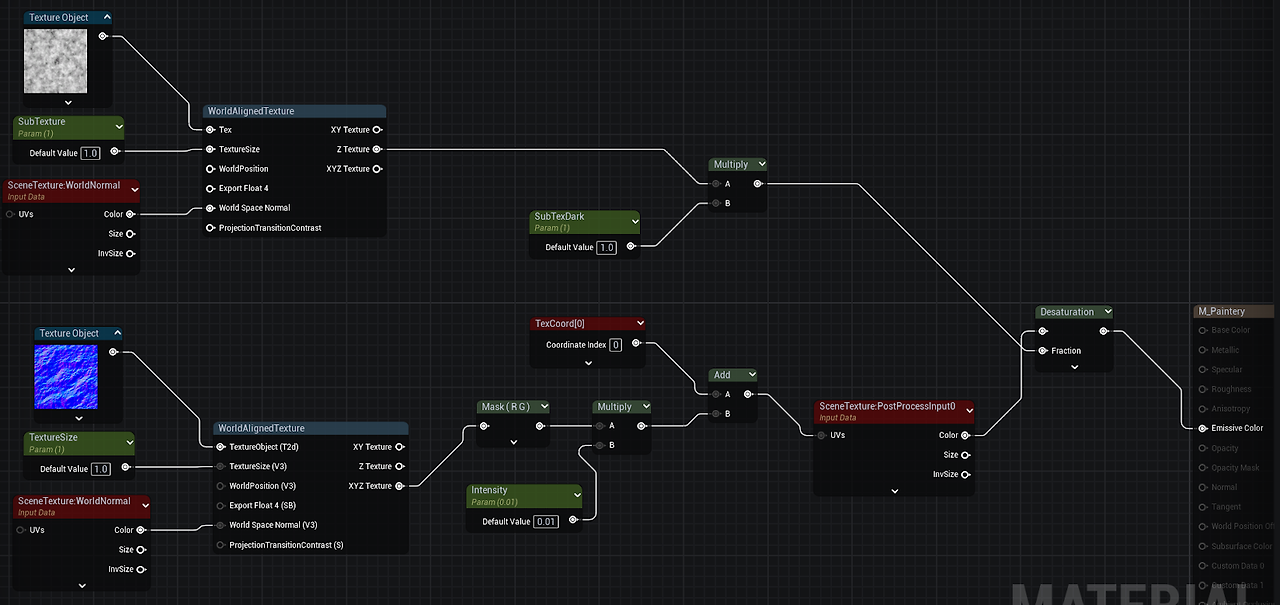
Lerp - Alpha : WorldAlignedTexture - Z Texture (Z축에만 적용하기 위함)
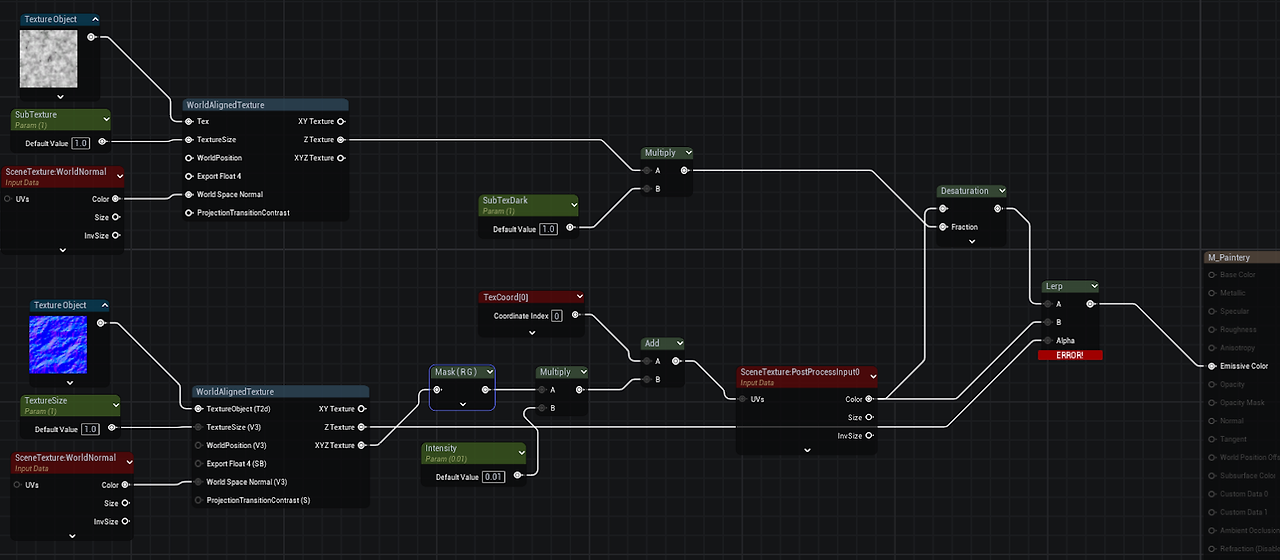
Desaturation float 3
SceneTexture float 4
-> Error

Mask 통해 Float 3으로 변경

하늘에 적용된 Desaturation이 빠지게 됨

Lerp을 추가, A는 Desaturation이 적용된 값, B는 원본값

Lerp
0에 가까울수록 A, 1에 가까울수록 B가 실행. Alpha로 값 조절
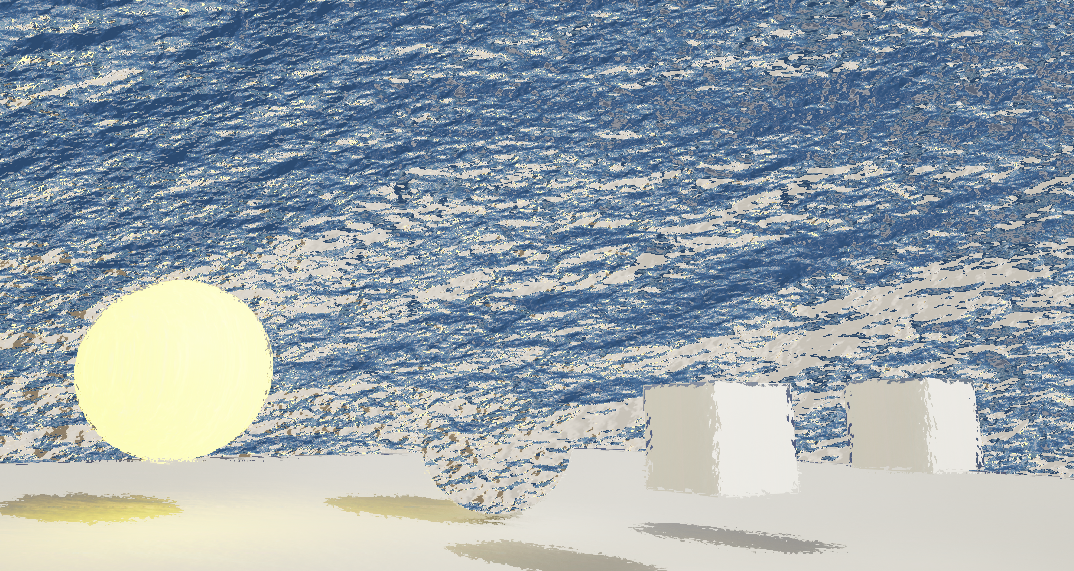
하늘에도 적용하기, 캐릭터 제외하기
캐릭터 정보 가져오기
CustomDepth - SceneDepth

Ceil
: 올림


Character 블루프린트의 ✓ CustomDepth Pass
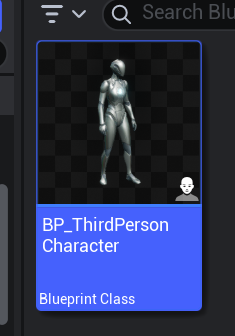


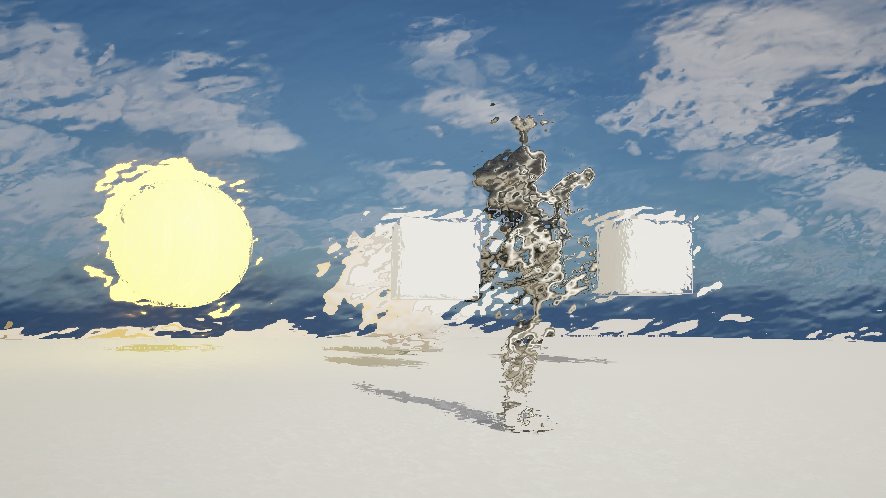
캐릭터에 따로 적용하기


CustomDepth : Normal의 강도
CustomDepthTex : Normal의 타일링 정도

'Unreal Engine Technical Art > Post Process' 카테고리의 다른 글
| Unreal Engine Post Process Production (0) | 2025.03.13 |
|---|---|
| Unreal Engine Post Process Volume (0) | 2025.03.11 |